Charging Port Repair in Bryan & College Station, TX
MiPhone Doctors diagnoses and repairs charging issues on phones, iPads, tablets, MacBooks, and Windows laptops. From loose connections and debris to damaged ports or charging-system faults, we identify the cause and recommend the right repair.
We diagnose and repair charging problems on iPhones, Android phones, iPads, tablets, MacBooks, and Windows laptops. Depending on what we discover, the solution may involve a thorough port cleaning, repairing the current connection, replacing the charging port, or performing a board-level repair. If your device fails to charge, charges slowly, disconnects when moving the cable, or only charges when the connectorv is held at a certain angle, bring it to our Bryan repair shop for an inspection.
Charging Port Repair Solutions
MiPhoneDoctors Your Trusted Local Repair Shop
A problem with charging does not always mean that you need to replace the charging port.
Issues such as lint inside the phone's connector, a worn-out cable, damaged pins, battery problems, exposure to liquid,or a malfunction in the charging circuit can all result in similar charging issues. That is why at MiPhone Doctors, we begin by identifying the true cause of your device's charging difficulties.
Does Your Charging Port Actually Need to Be Replaced?
One of the most critical aspects of fixing a charging problem is determining where the fault actually lies. The charging
port is just one component of the overall charging system. Depending on your device, the issue could be caused by
Lint or debris inside the port
A worn or damaged charging cable
A faulty charger or power adapter
Bent or damaged contacts within the connector
A physically loose charging port
A failing battery
Liquid or corrosion damag
A damaged internal connection
A malfunction on the motherboard or logic board
Replacing the charging port without first identifying the root cause could mean replacing a part that is not actually defective. Our technicians examine the device and its charging behavior first, then recommend the most suitable repair
You should consider having your charging system inspected if:
The device does not charge at all
The cable feels loose when plugged in
Charging only works at a certain angle
The charge starts and stops when the cable moves
The device charges much more slowly than expected
The charger does not seem to fully insert into the port
The charging cable is not detected
You can see physical damage inside the connector
The port stopped working after a drop
Charging stopped after liquid exposure
A laptop intermittently recognizes its charger
Some of these symptoms point to a damaged port, while others may not. Diagnosis is essential because a dirty connector, a failing battery, a damaged charger, or a board-level fault can appear very similar.
Charging Port Cleaning
A charging port that appears broken might simply be blocked. Phones, in particular, tend to collect pocket lint, dust, and
other debris. Each time the charging cable is inserted, these materials can become more tightly packed at the bottom of
the connector.
Eventually, the plug may no longer fit fully. This can make the cable feel loose or cause the phone to charge only when the connector is positioned in a certain way
If the port itself is in good condition, professional cleaning may restore a working connection without replacing the
charging port.
And when the damage genuinely isn’t worth fixing, we’ll tell you before you spend a dollar and help you get your data onto whatever replaces it.
Should I clean the charging port myself?
Exercise caution. Charging connectors have small contacts that can be damaged. Inserting needles, pins, metal tools,or other inappropriate objects can turn a simple cleaning issue into actual port damage.If you are unsure what is inside the connector or if the device still does not charge after basic troubleshooting, it is safer
to have it inspected rather than forcing something into the port.
When Does a Charging Port Need Replacement?
Cleaning cannot repair physical damage.
Replacement may be necessary if the connector has damaged contacts, severe wear, broken internal components, or
other physical damage that prevents a reliable connection.
The exact repair needed depends on how the manufacturer designed the device. On some devices, the charging connector is part of a replaceable assembly. On others, especially certain phones, tablets, and laptops, the connector
may be directly attached to a circuit board and require precision soldering.
This difference is one reason we need the exact device model before deciding on the repair method.
Charging Port Repair for All Major Devices
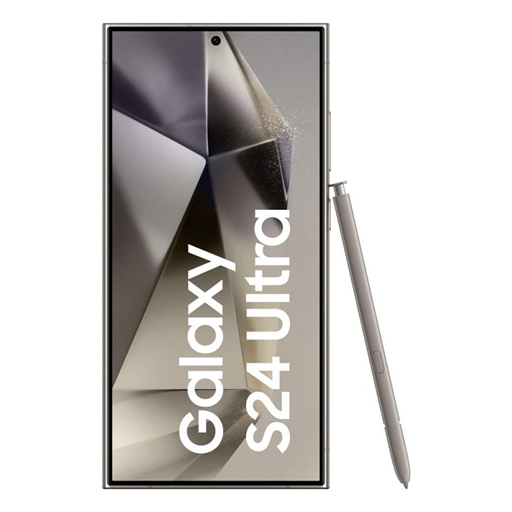
Android Phone
Charging Port Repair
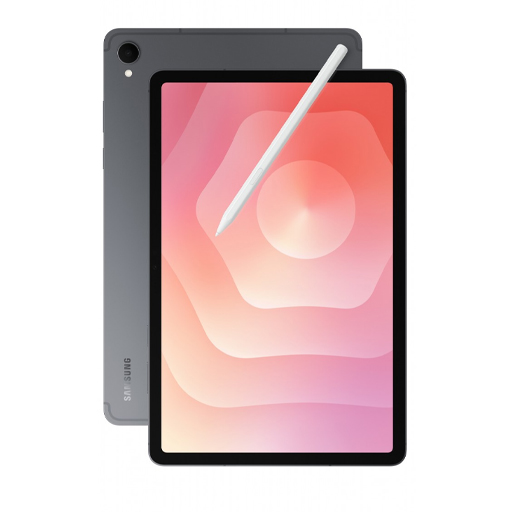
Tablet
Charging Port Repair
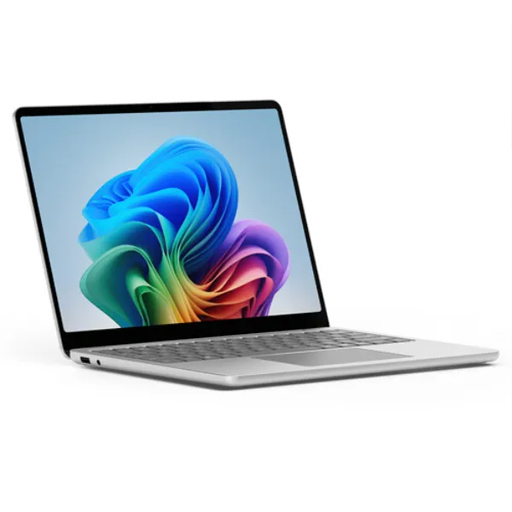
Laptop
Charging Port Repair
IPhone
Charging Port Repair
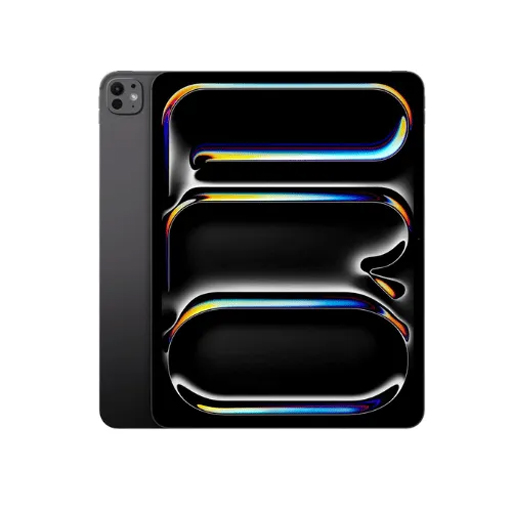
IPad
Charging Port Repair
iPhone Charging Port Repair
An iPhone charging port can develop issues due to dust, frequent use, physical damage, exposure to liquid, or problems with other parts of the charging system.
Depending on the iPhone model, the device may use a Lightning or USB-C charging connector. If your iPhone is not charging, we examine the charging connection and consider other possible causes before suggesting replacement.
iPhone does not charge when connected
The cable does not stay securely attached
Charging only works at a certain angle
The charging connection keeps disconnecting and reconnecting
The connector does not fully insert
iPhone does not recognize the charging cable
Charging stopped after liquid exposure
The port looks physically damaged
If dust or debris is causing the problem, cleaning may be all that is needed. If the connector has failed, we can determine whether repair or replacement is appropriate for the specific model. If the port is working normally, we investigate the battery or charging system instead of replacing a functional part.
Phone Charging Port Repair
Android phones can face many of the same charging problems. We diagnose charging issues on supported Samsung
Galaxy, Google Pixel, Motorola, and other Android devices.
A phone that is not charging does not automatically have a faulty charging port. The problem may be related to the
cable, charger, battery, connector, internal connection, moisture, corrosion, or charging circuitry. Testing helps us
identify the actual cause before recommending repair or replacement.
IPad Charging Port Repair
An iPad charging port is used frequently and can become blocked, worn, or physically damaged over time. Depending on the iPad model, it may use a Lightning or USB-C charging connector.
We inspect iPads with symptoms such as:
iPad not charging
Loose charging cable
Charging works intermittently
Damaged connector
Charging cable is not detected
Charging stopped after a drop or liquid exposure
Some iPad charging-port repairs require more advanced work because of how the connector is integrated into the
device. We determine the repair requirements after inspecting the exact iPad model and the condition of the port.
Tablet Charging Port Repair
We also diagnose charging problems on supported tablets. A tablet that is fully discharged may appear completely dead even when the underlying problem is related to charging We check the charging connection along with other likely causes before deciding whether the tablet charging port needs
cleaning, repair, replacement, or more advanced work
Laptop Charging Port Repair
A laptop that will not charge can have a different charging system from a phone or tablet. Depending on the computer, power may enter through a USB-C connection, MagSafe connector, dedicated DC power jack, or another manufacturer-specific connector.
A laptop may need charging-port service if the connector feels loose, power cuts in and out when the cable moves, the
computer does not recognize its adapter, or the port is visibly damaged.
The charging connector is not always responsible. Laptop charging problems can also involve the power adapter,battery, internal connection, or motherboard charging circuitry. We identify the source of the problem before recommending a repair.
When the Charging Port Is Not the Problem
Charging works as a system rather than as a single component. A problem with the power source, charger, cable,
connector, charging circuitry, or battery can prevent normal charging. Replacing a phone charging port will not solve a failed battery, and installing a new laptop power jack will not fix damaged motherboard charging circuitry. Our goal is to locate the failure before recommending the repair.
Board-Level Charging Port Repair
Not every charging connector can simply be unplugged and replaced. Some ports are attached directly to a circuit
board.
When a connector is damaged, solder joints are broken, pads are damaged, or circuitry around the port is affected, the
repair may require microsoldering or board-level work. MiPhone Doctors can evaluate supported devices that require
more advanced charging-system repair.
How We Diagnose and Fix Charging Problems
Inspect the Device
We review the symptoms and inspect the charging connection.
Diagnose the Cause
We check the port, charger, battery, connections, and charging circuitry.
Explain the Repair
We explain if your device needs cleaning, repair, replacement, or board-level work.
Complete the Repair
We perform the appropriate repair for the device and the diagnosed problem.
Test the Device
We test charging behavior and relevant functions before returning the device.
Charging Port Repair in Bryan & College Station
MiPhone Doctors provides charging-port diagnosis and repair from our shop in Bryan, Texas, serving customers from
Bryan, College Station, and surrounding Brazos Valley communities.
Whether your phone has debris packed inside the connector, your iPad will not recognize its charger, your tablet
charges intermittently, or your laptop has a loose power connection, we first determine what is causing the problem
before recommending repair.
My wife and I have used this company twice now. My wife's phone needed a new back glass piece, and mine had a dead charging port. Both times they provided great service, competitively priced; and the second time, the owner stayed late to get my phone back to me the same day. Great company.
Absolutely amazing service, owner was sweet enough to stay until 10:00pm to finish my phone I had dropped off an hour before closing . I was so very grateful that it was an affordable price. Not only that but I could tell the work was not rushed. I definitely recommend you get your phone fixed here or any accessories here if you want them for a great price with amazing quality and you want to support a very sweet man.
Absolutely the Best! Folks, I am rewriting my Review because after a long time, my battery started acting all kinds of crazy. Without charging, it said it was being slow charged. And by morning, it was at 7% and in the charger, it kept going down to No Charge. It's a V40 ThinQ.
And I called, they ordered a new battery and the next day it was quickly replaced.
But the Owners have changed and the new ones are warm and caring.
So,
If you got a Cell Phone Issue, or Tablet issue, contact these Folks for sure.
I was pleased with the work and the cost.
Don't buy New, Renew what you got...it'll SAVE YOU money.
The picture is funny. Lol
Frequently Asked Questions
Can you fix a charging port?
Many charging-port problems can be repaired. The solution may involve cleaning, connector repair, port replacement, or
board-level work depending on the device and the cause of the failure.
Why is my device not charging?
Common causes include debris, physical connector damage, a worn cable or charger, battery failure, liquid or corrosion
damage, or a problem within the charging circuitry
Can you clean a charging port instead of replacing it?
Yes, when debris is preventing the cable from seating correctly and the connector itself is not damaged. If the contacts
or connector are physically damaged, cleaning will not repair them.
Why does my device only charge at an angle?
Debris, a worn cable, damaged contacts, or a loose connector can cause this symptom. Testing the cable and
inspecting the port can help identify the cause.
Can you repair an iPhone charging port?
We diagnose charging problems on supported iPhone models. Depending on the issue, the solution may be cleaning,repair, replacement, or diagnosis of another charging-system component.
Do you repair laptop charging ports?
Yes. We diagnose charging problems on supported laptops, including loose or damaged power connectors and
charging issues that may involve the battery or motherboard.
Could the battery be causing the problem instead of the port?
Yes. A failing battery can cause charging symptoms that resemble a port problem. Diagnosis helps separate battery, connector, charger, and charging-circuit issues.
How much does charging port repair cost?
Cost depends on the device, model, damage, parts required, and whether the repair involves cleaning, replacement, or
board-level work. Contact MiPhone Doctors with the exact device model for a quote.
How long does charging port repair take?
Repair time varies by device, diagnosis, parts availability, and the complexity of the repair. A more accurate estimate can be provided after the device and repair requirements are identified.
Will charging port repair erase my data?
Charging-port repair generally focuses on hardware and does not intentionally erase data. However, electronic-device
repairs can carry risk, especially when liquid or board damage is involved. Back up important data whenever possible.
Get Your Device Charging Again
Bring your phone, iPad, tablet, or laptop to MiPhone Doctors in Bryan, TX for professional diagnosis and
charging-port repair.